Track Options
The view extents and curve display options can also be interactively set with the mouse.
Curve view options
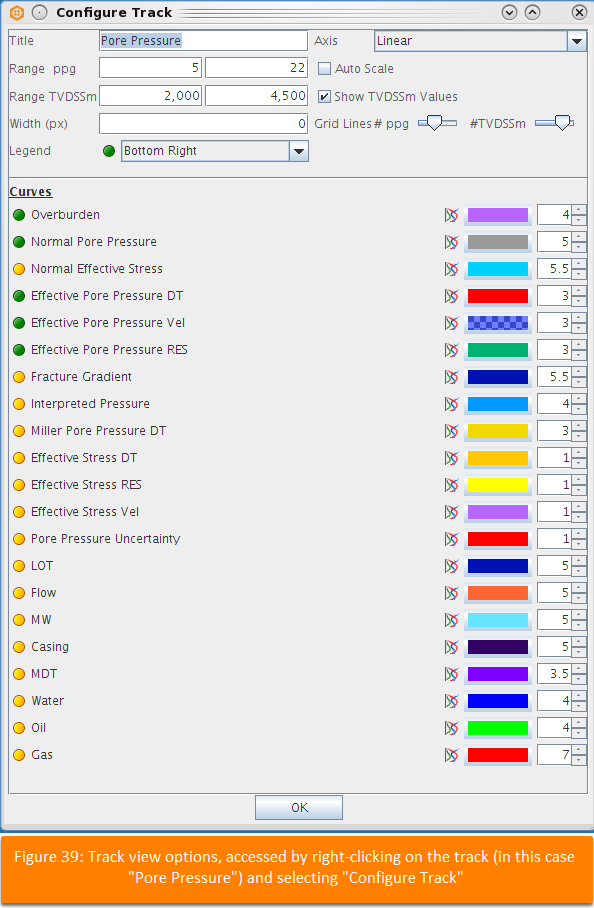
Right-click on a track and select Configure Track to choose all view options for a given track Title, Range and Domain (linear/log), Depth range, Width, Legend, Grid Lines, and all Curve options.
The advantage of using the per-track configure dialog is that it shows only the curves and controls relevant to this track, simplifying the display as shown in Figure 39.